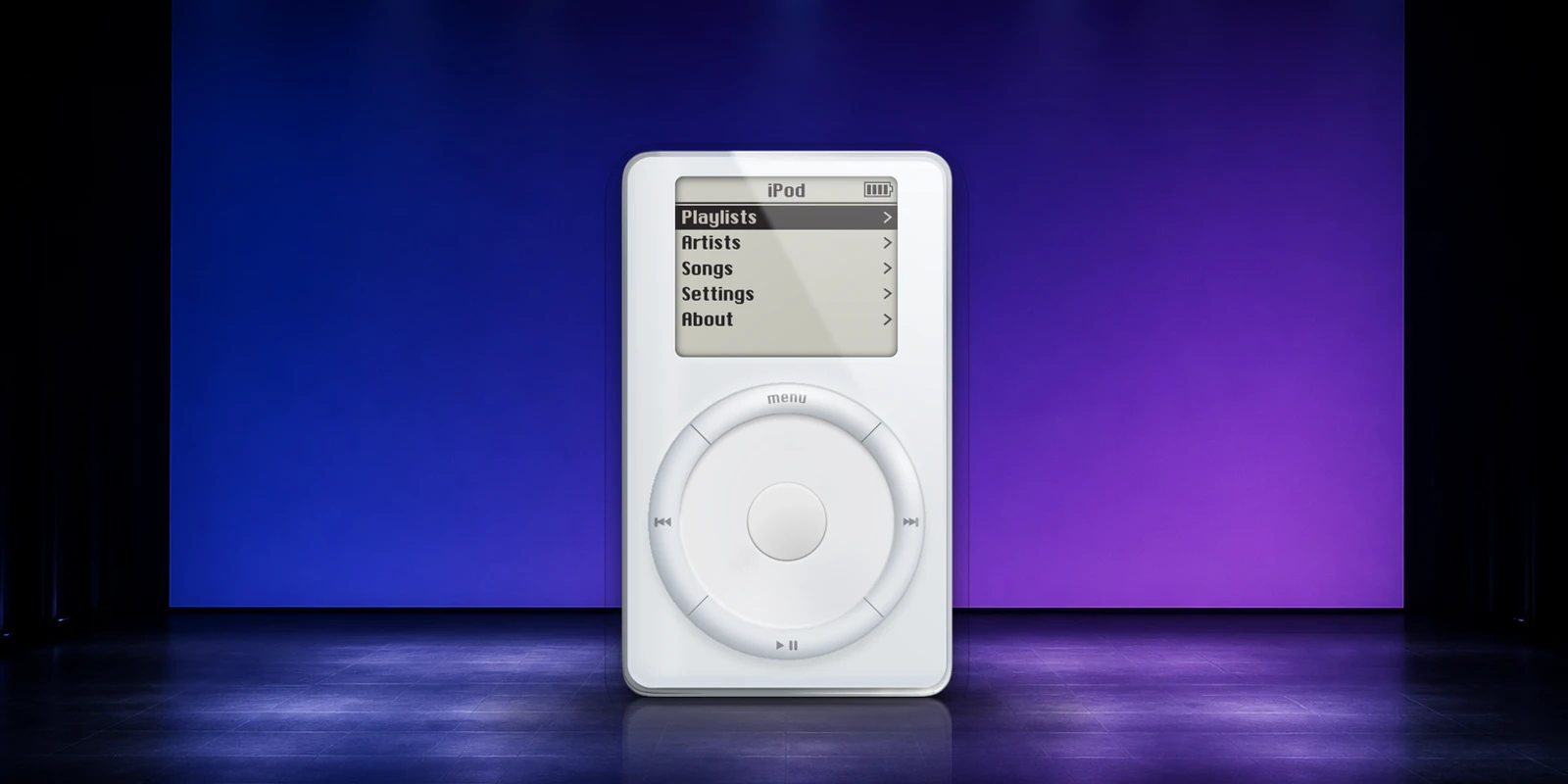
We rebuilt the original HTML iPod for an article called Limit the number of details. It was there to make a simple point: when most of a device runs through one control, that control has to be really good. The wheel turned, the buttons worked, and you could move through a small list of songs. After the article, I used Cursor to turn it into Mac and iPhone apps connected to my Music library. The basic versions were working after a few prompts.
The artwork started with Jack’s Mockup of the First iPod from the Figma Community, shared under CC BY 4.0. I modified it ever so slightly and used it as the basis for the interaction and the apps.
I made the rest in Cursor, mostly using Auto with a little Fable 5. We tightened the wheel, added a small haptic tick on supported trackpads and gave it a little grime so you could see it turn. It comes in four sizes on the Mac and can float above your other apps.
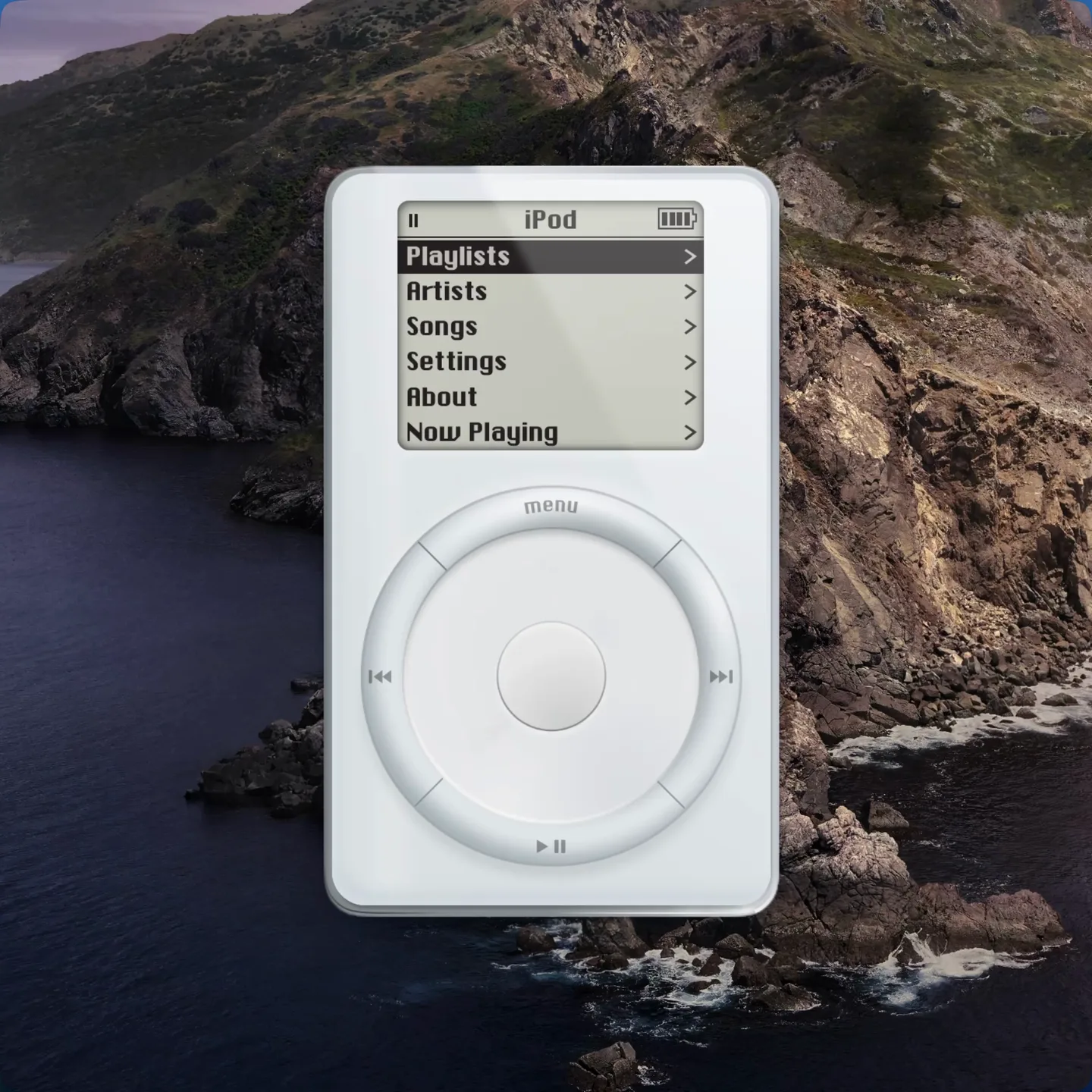
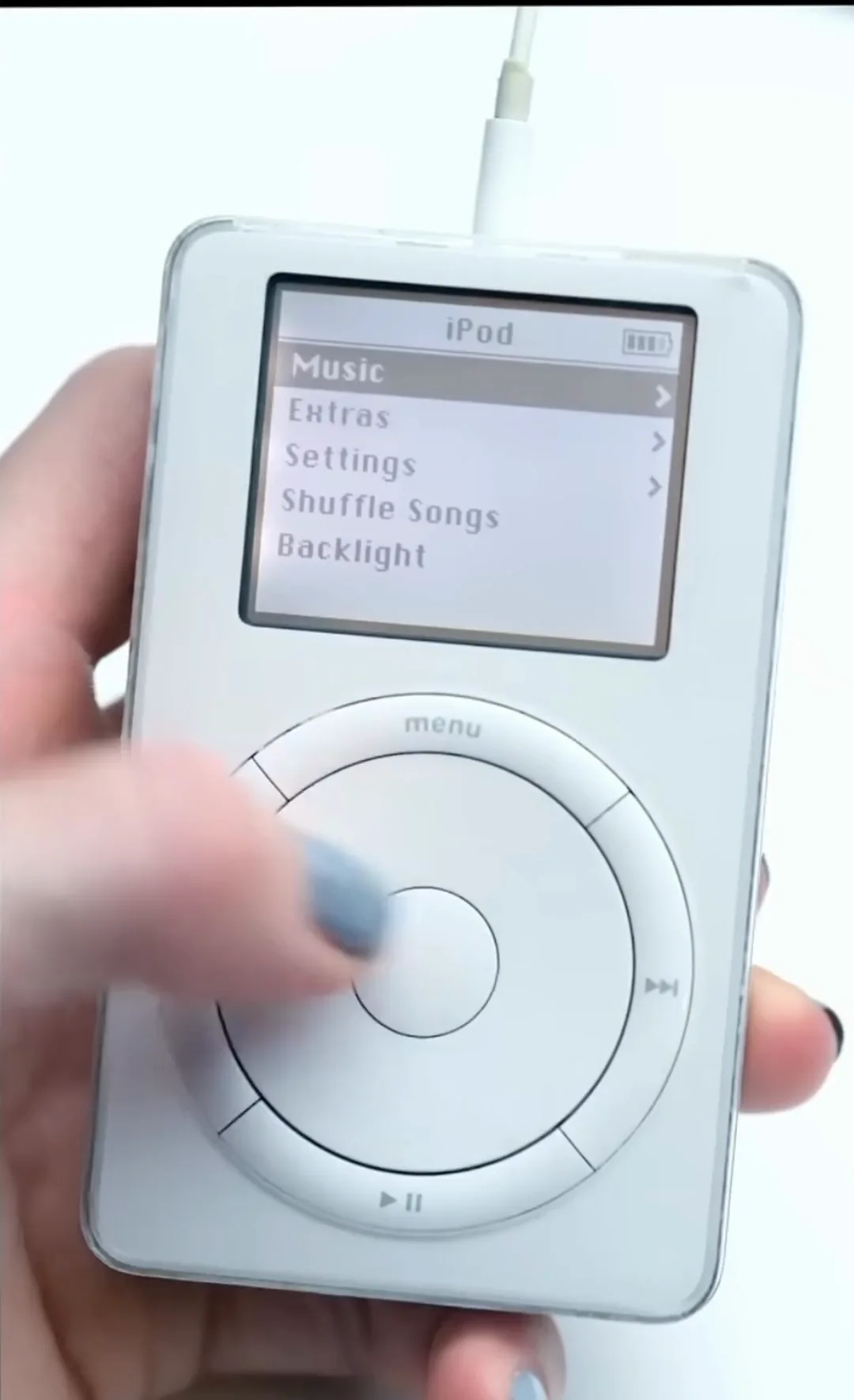
That was enough. I could kind of feel my old iPod again. Digital things used to click, spin and turn. The original iPod did one thing really well, and the whole object was designed around it. I miss that.
I mostly use Spotify, so I wanted that to work too. New Spotify apps can only authorize five people, and making one public requires Spotify’s approval. So for now, iPod Player works only with Apple’s Music app.
The iPhone version is even simpler. You can park the iPod at the top, middle or bottom of the screen. The rest stays black.
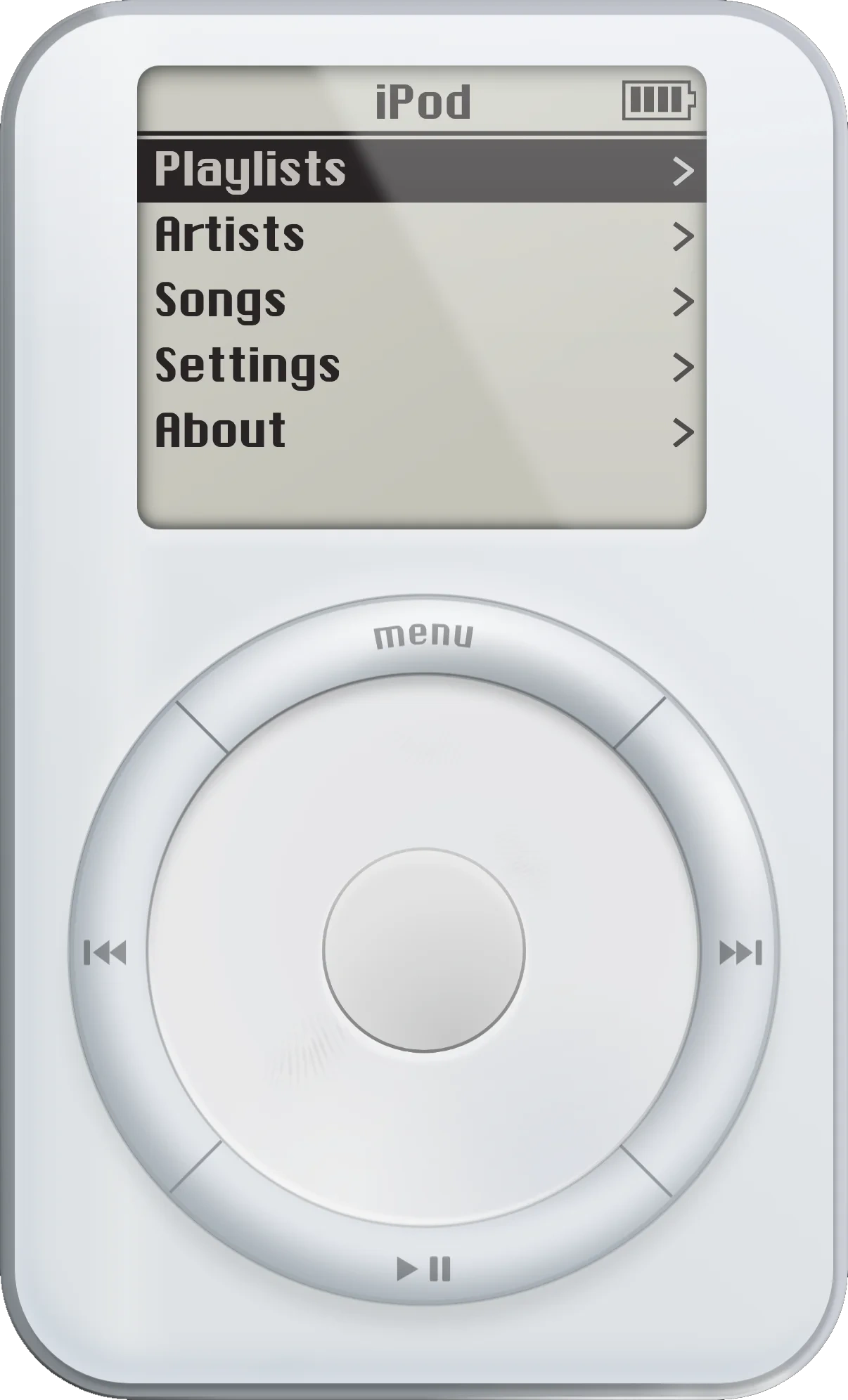

That’s about it. We made it in a day. Apple Music doesn’t support Winamp skins, so we made one anyway—in honor of a great little device from nearly 25 years ago. The Mac version is available to download, and the iPhone beta is on TestFlight.
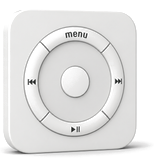
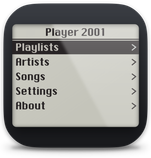
Player 2001 asks for access to your Music library and permission to control the Music app. It is an independent tribute and is not affiliated with Apple.
Comments
Add something we missed, ask a question, or disagree. Just be cool.